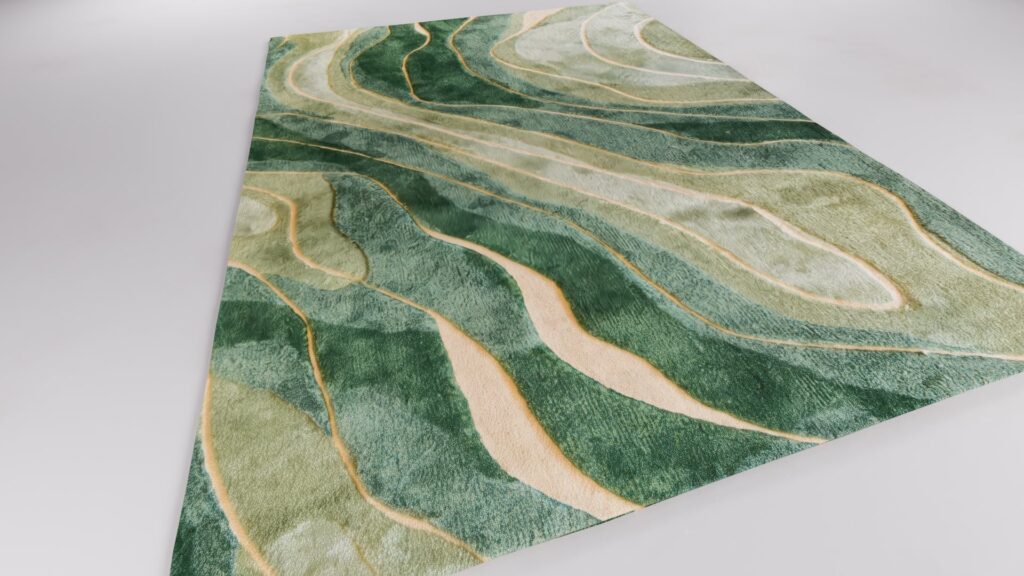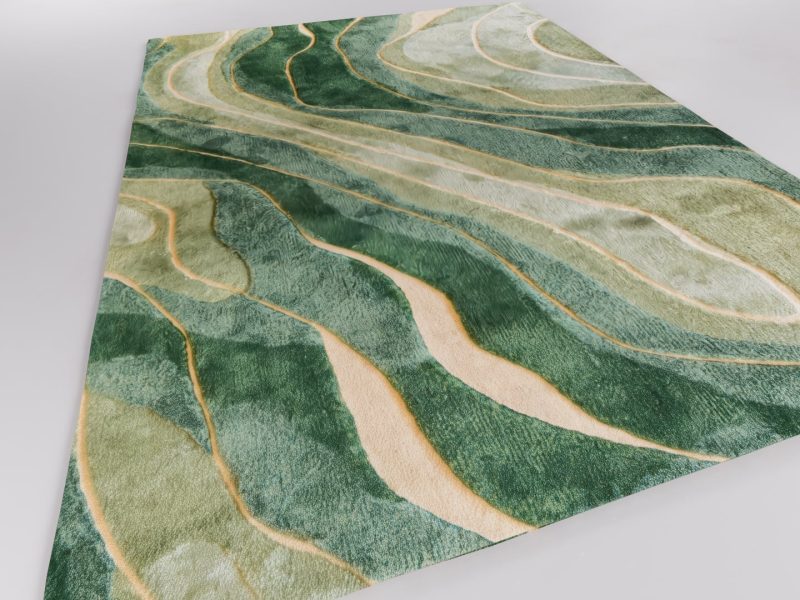
One of the easiest ways to improve the realism of your architectural visualizations is by enhancing your carpet materials. While Lumion’s default carpet materials work well for many projects, they often lack the fine fabric detail that makes a carpet look truly photorealistic.
In this tutorial, you’ll learn how to create a custom normal map in Photoshop that adds realistic micro-detail to any carpet material without changing its overall appearance.
A normal map controls how light interacts with a surface, creating the illusion of depth and texture.
Many carpet normal maps contain only large grooves or woven patterns. While these larger details are important, they don’t include the tiny fibers that make real carpets look soft and convincing.
The solution is to create a second normal map with a much finer texture and combine it with the original one.
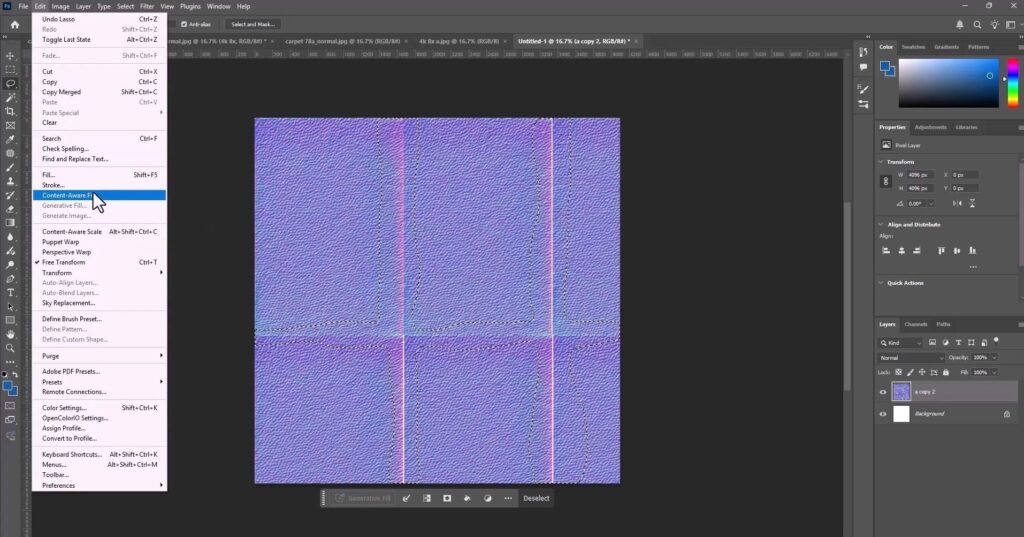
Start by opening your normal map in Photoshop.
Duplicate the texture several times and arrange the copies side by side to create a larger working area. Since duplicating the image creates visible seams between each tile, these seams need to be removed before continuing.
Merge the layers into a single layer, then use the Lasso Tool to select the seam areas.
Next, choose Edit → Content-Aware Fill. Photoshop will automatically analyze the surrounding pixels and generate a seamless transition between the duplicated textures.
Once the process is complete, click Apply and then OK.
At this point you’ll have a seamless version of the texture.
Although the seams have been removed, the texture is still too coarse for realistic carpet fibers.
Repeat the same workflow:
Continue repeating this process until the pattern becomes extremely fine.
Small seams that may still be visible in Photoshop won’t appear in the final rendered material, so they generally aren’t a problem.
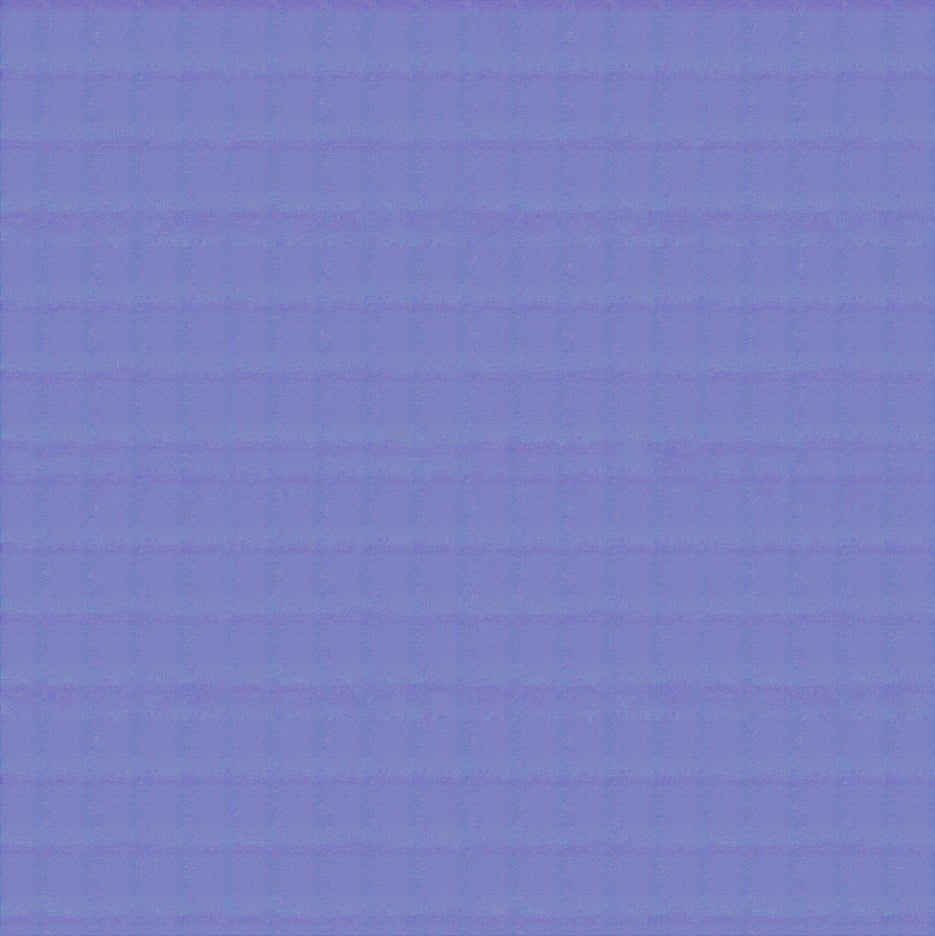
Once the fine-detail normal map is complete, it’s time to combine it with the original carpet normal map.
Open the original normal map, then drag the new fine-detail normal map into the same document.
Change the new layer’s Blend Mode to Overlay.
This blends the two maps together, preserving the large woven structure from the original normal map while adding the subtle fabric detail created in Photoshop.
Export the combined normal map when you’re finished.

Import the exported normal map into Lumion by loading it into the material’s Normal Map slot.
To achieve the best result:
Finding the right balance between these settings is the key to achieving a believable carpet material.
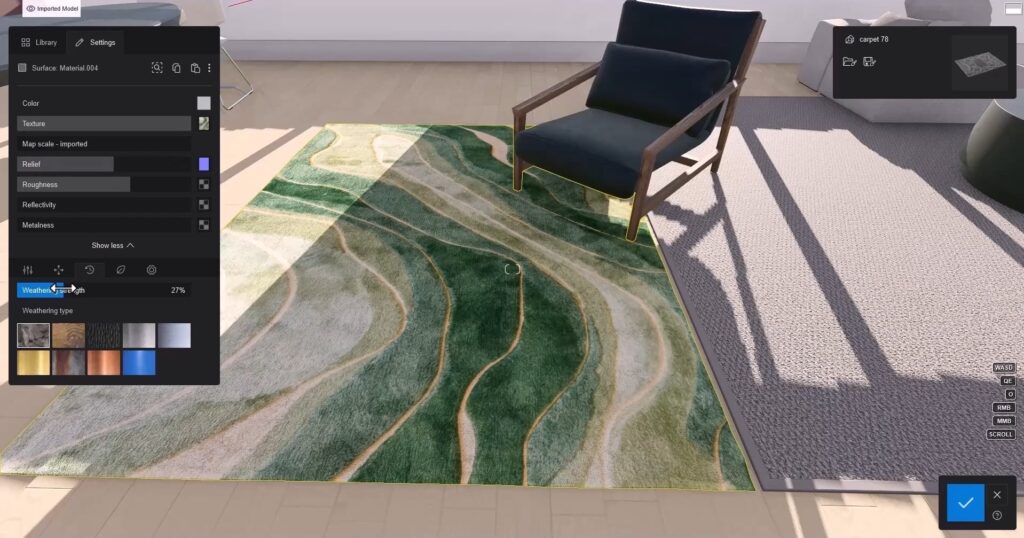
By combining a custom fine-detail normal map with the original one, you can dramatically improve the appearance of carpet materials in Lumion.
The final material contains both the large structural grooves and the subtle fabric fibers that are missing from the default texture. The difference is immediately noticeable, especially in close-up interior renders, where realistic materials play a major role in the overall quality of the visualization.