
Transform ordinary renders into stunning visuals using the free AI tool Fooocus. Learn the complete post-production workflow .
What if you could achieve stunning, high-quality results — without diving into advanced rendering settings or mastering complex post-production techniques?
This beginner-friendly course teaches you how to use Fooocus, a free AI tool, to dramatically enhance the quality of your architectural renders.
You’ll learn an easy,quick workflow that saves you time and produces images your clients and audience will love.
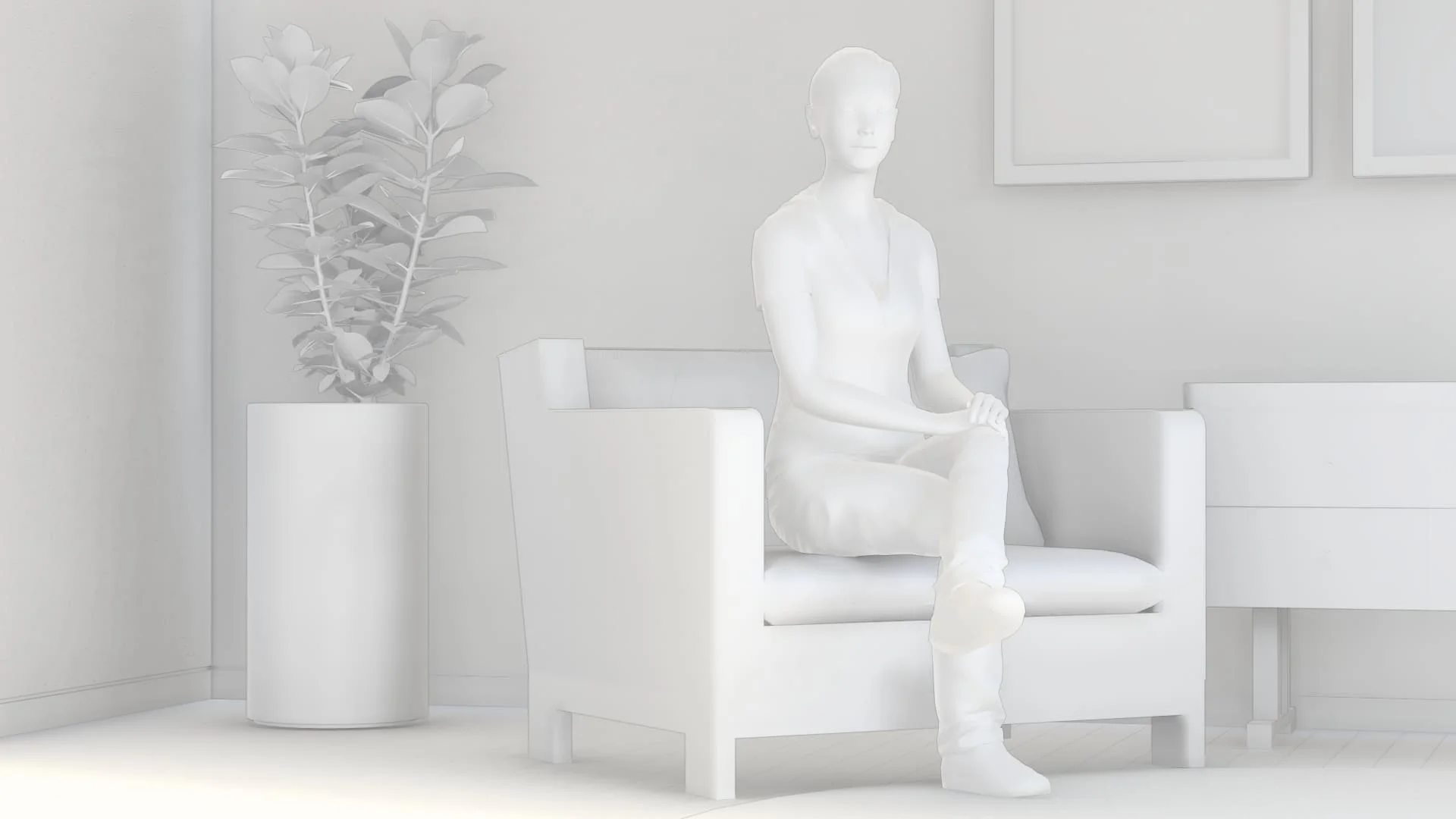
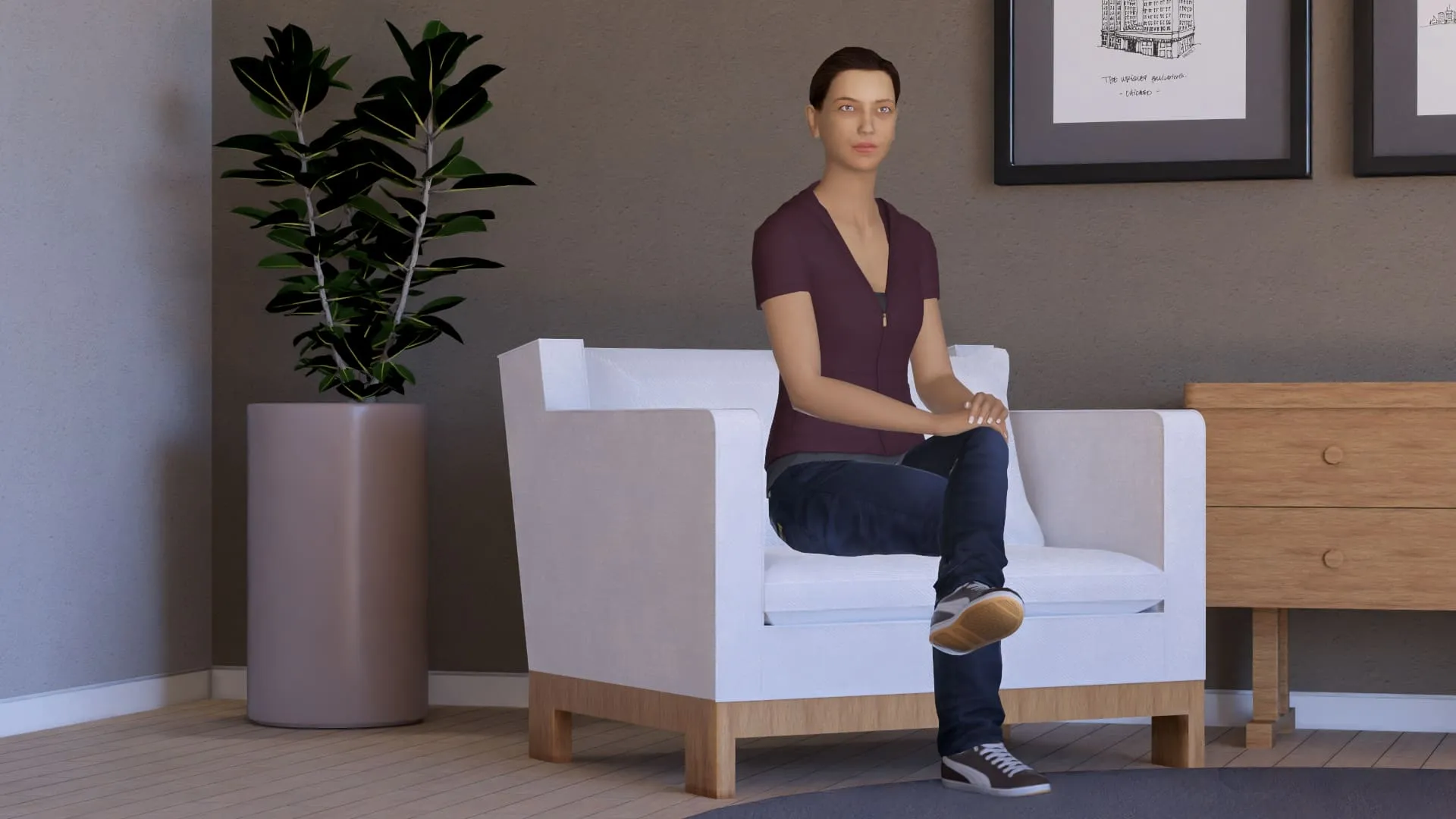
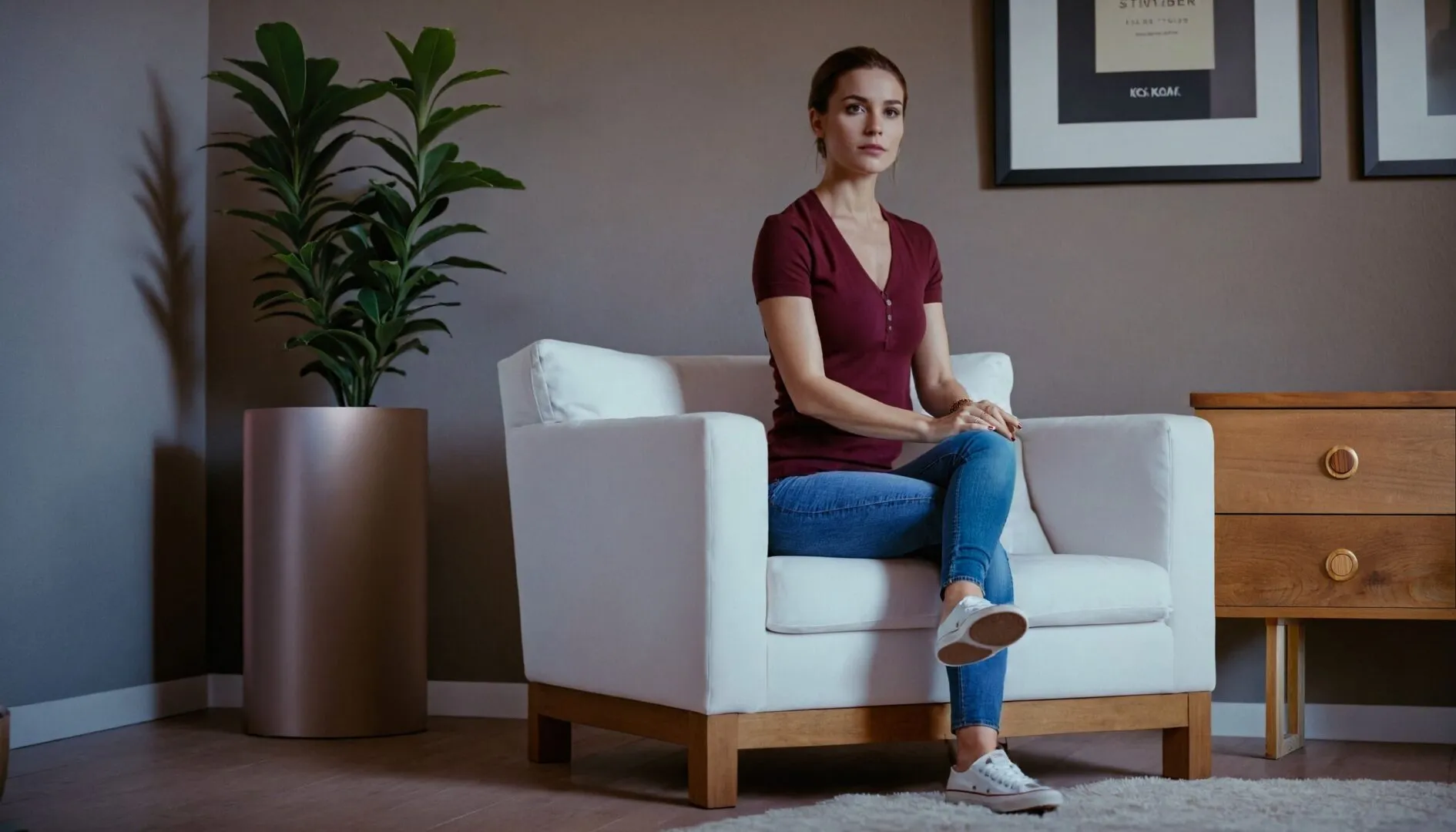
Traditional rendering can be time-consuming and technically complex.
Achieving photorealistic results often requires:
AI changes everything.
With tools like Fooocus, you can enhance the realism, depth, and detail of your architectural renders — in a fraction of the time.
Offers high-quality, in-depth lessons broken into short, easy-to-follow segments for better learning. The course is regularly updated with free additional content to keep your knowledge fresh and up-to-date.
A handy reference with ready-to-use prompts and matching images. Helps you learn and apply concepts faster. Free updates with new prompts will be added over time. Perfect for quick inspiration!
Once enrolled, enjoy unlimited access to the course. Take your time to complete it and revisit the content whenever you want. Upon completion.
Our course is accessible to a global audience with subtitles available in English, Spanish, Portuguese, French , Deutsch , Arabic and Italian ensuring everyone can follow along and learn effectively. Our course is accessible to a global audience ensuring everyone can follow along and learn effectively.
Learn at your own pace with lifetime access to over 4 hours of premium content. This course offers a flexible learning experience, allowing you to revisit modules anytime for a refresher.
Project A (Exterior 01 : Villa in the street )
Project B (Interior 01 : Modern room )
Project C (Exterior 03 : Apartment in city Block )
coming soon
You’ll master Fooocus AI from installation to advanced rendering techniques. Learn to generate both simple and complex architectural images, then enhance them using advanced editing tools. Discover how to expand images, modify elements (adding/removing objects and humans), and improve specific components like vegetation and human figures. The course covers all key tabs and features of Fooocus AI for architectural visualization. By the end, you’ll be able to create and refine professional-quality AI architectural renders efficiently.
This course is perfect for:
Architecture students who want to create stunning visuals without advanced 3D skills
Architects looking to speed up their visualization process and impress clients
Digital artists and visualizers exploring new creative workflows
Interior designers who want to enhance their presentation images
Curious creatives who want to experiment with AI in architectural visualization
No prior AI knowledge required!
If you can use any basic 3D modeling and rendering software, you can follow this course.
Here are The pc Requirements and the programs that need to be installed on your PC and the knowledge required to make the most out of this course.
the minimal requirement for running Fooocus locally. If your device capability is lower than this spec, you may not be able to use Fooocus locally.
| Operating System | GPU | Minimal GPU Memory | Minimal System Memory | System Swap | Note |
|---|---|---|---|---|---|
| Windows/Linux | Nvidia RTX 4XXX | 4GB | 8GB | Required | fastest |
| Windows/Linux | Nvidia RTX 3XXX | 4GB | 8GB | Required | usually faster than RTX 2XXX |
| Windows/Linux | Nvidia RTX 2XXX | 4GB | 8GB | Required | usually faster than GTX 1XXX |
| Windows/Linux | Nvidia GTX 1XXX | 8GB (* 6GB uncertain) | 8GB | Required | only marginally faster than CPU |
| Windows/Linux | Nvidia GTX 9XX | 8GB | 8GB | Required | faster or slower than CPU |
* AMD GPU ROCm (on hold): The AMD is still working on supporting ROCm on Windows.
* Nvidia GTX 1XXX 6GB uncertain: Some people report 6GB success on GTX 10XX, but some other people report failure cases.





Get access to the course
No! This course is designed for complete beginners. You don’t need any prior knowledge of AI. If you can use basic 3D modeling and rendering software, you’ll be able to follow the lessons easily.
Fooocus is a free AI tool that allows you to enhance images — including architectural renders — with advanced AI-powered post-processing. It’s easy to use, and we’ll show you exactly how to get started with it
You need any basic 3D modeling and rendering software that you are comfortable with. The AI workflow taught in this course can be applied to renders from any 3D program (SketchUp, Blender, Rhino, 3ds Max, etc.).
You’ll be able to take simple or basic architectural renders and turn them into stunning, high-quality visuals using AI — without spending extra hours on advanced modeling or Photoshop work.
Absolutely! This course is ideal for students who want to create impressive portfolio visuals without needing to master complex rendering techniques.
No, Fooocus can run on most modern computers with a dedicated GPU (4 GB Vram). In the course, we explain the basic system requirements and how to optimize performance.