

Creating a technically impressive architectural animation is no longer enough to make your work stand out. The projects that leave a lasting impression are the ones that tell a story. Even a simple, short scenario can transform a static architectural visualization into a scene that feels alive. Instead of only showcasing the design, storytelling demonstrates how people actually use the space, making the animation more engaging and meaningful for clients. The good news is that creating these scenarios is much easier than most artists think.
Before placing characters or animating a scene, answer these three questions:
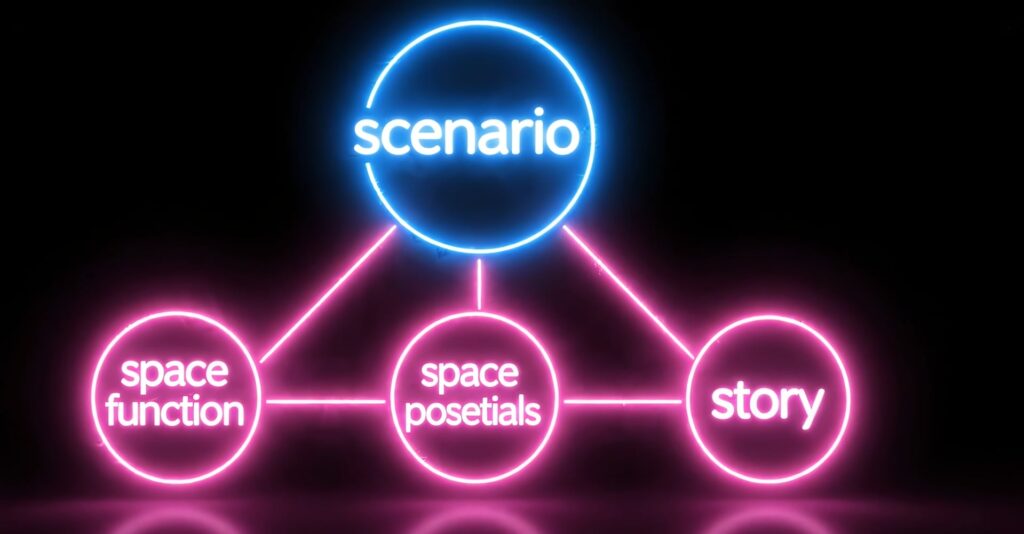
These three questions provide the foundation for creating animations that feel authentic rather than staged.
Imagine an office interior where several employees are working.
The first question is straightforward:
Function: An office workspace.
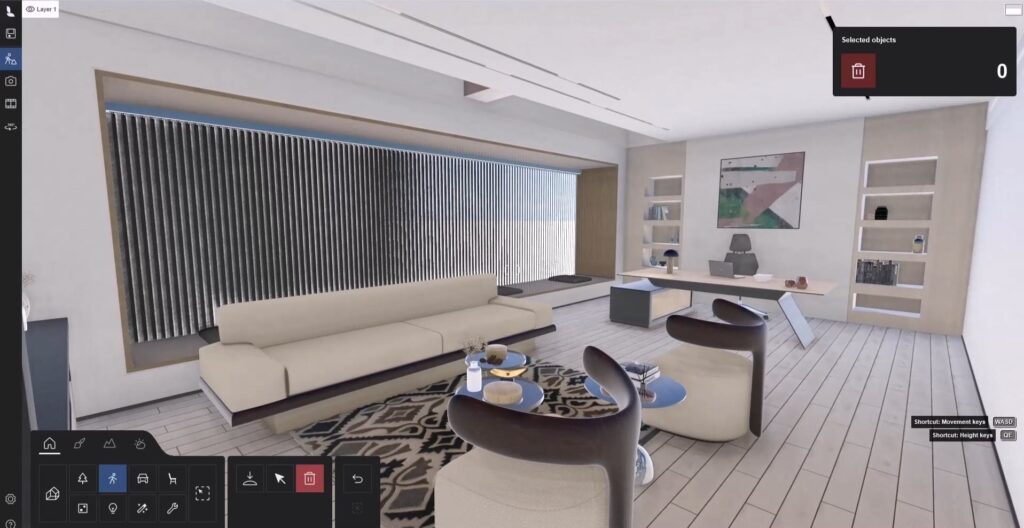
Next, identify the most important design element. In this example, the defining architectural feature is a large window that runs along one side of the office. Since it is one of the strongest visual elements, the story should naturally draw attention to that area. Rather than placing people randomly throughout the scene, their positions should support both the architecture and the narrative.
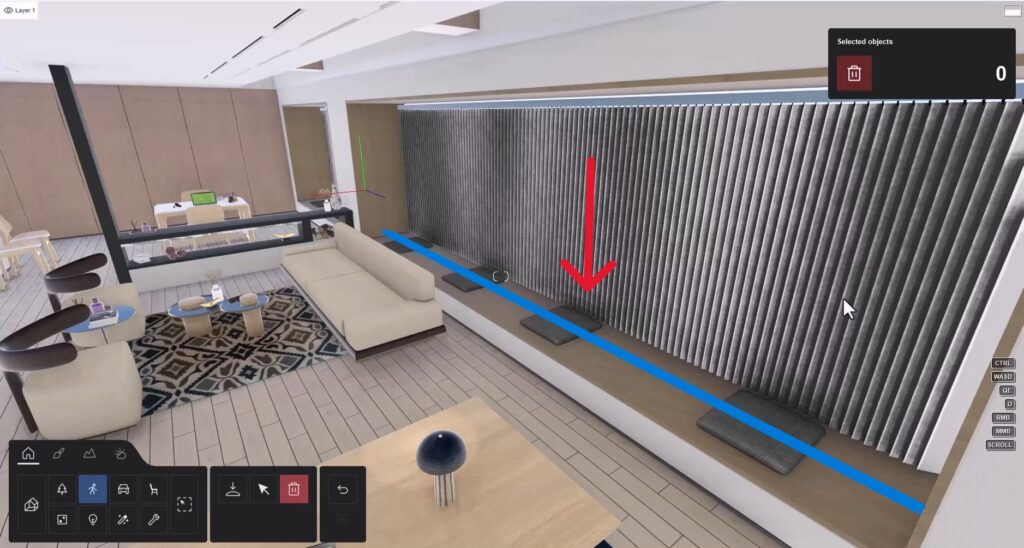
The story doesn’t need to be complicated. A few seconds of natural interaction are often enough to make an architectural animation feel realistic.
For this office scene, the scenario is:
Although simple, this interaction immediately gives the space purpose and creates a believable atmosphere.
Lumion provides a large library of static characters in various poses, making it possible to build realistic scenarios without additional modeling.
For this example:
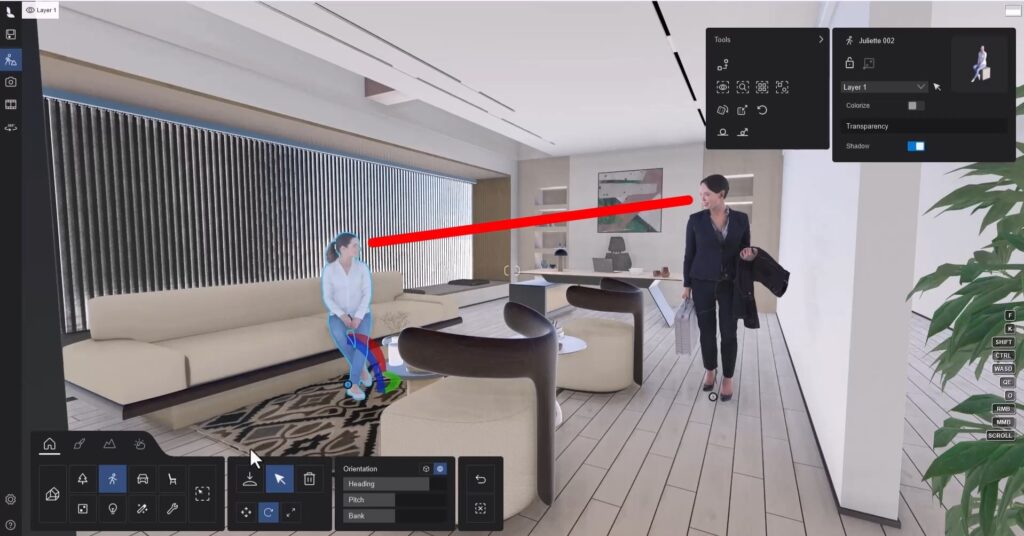
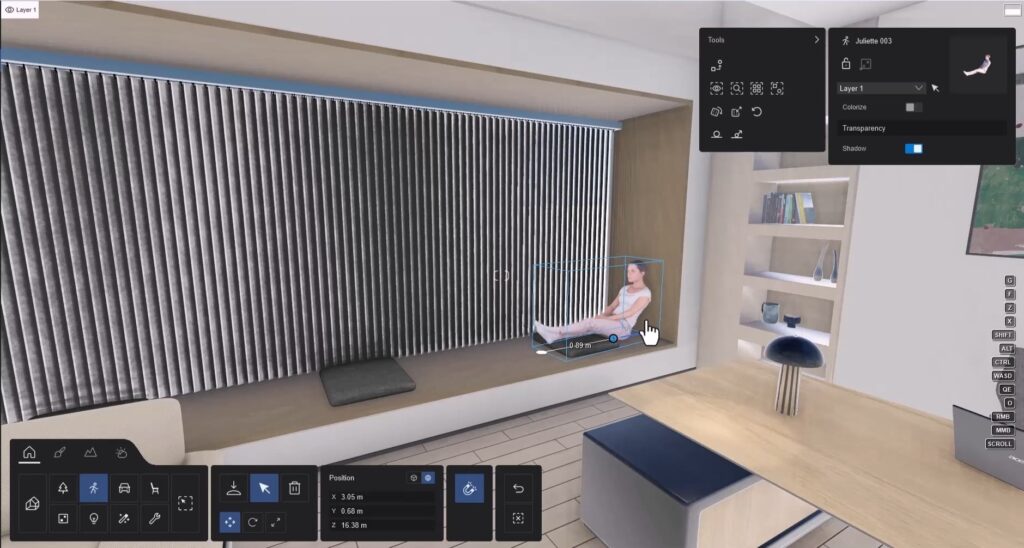
Instead of filling the scene with random people, every character contributes to the story.
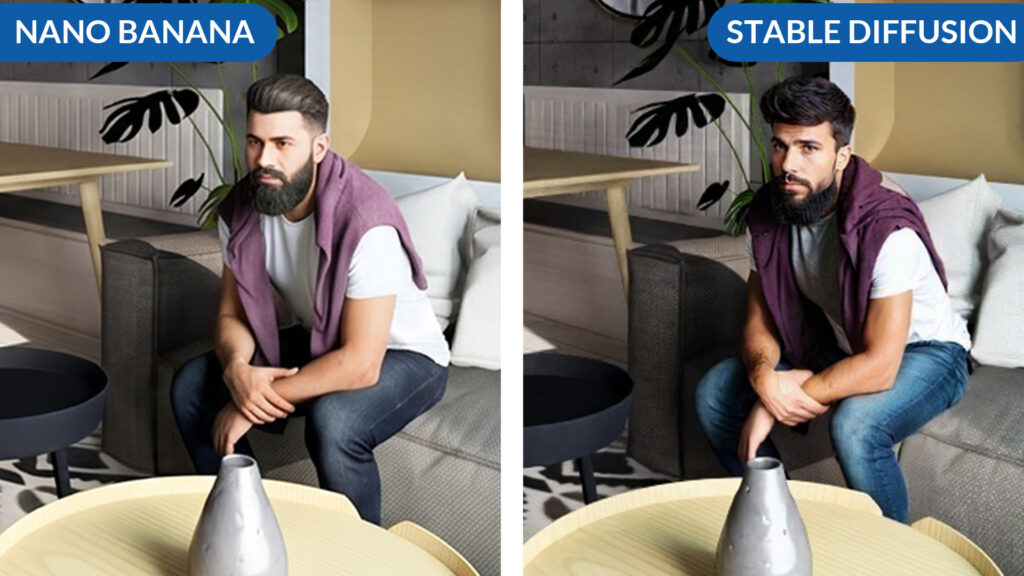
One of the biggest limitations of architectural renders is that human characters often look less realistic than the surrounding environment. AI image enhancement tools can significantly improve the appearance of people while preserving the rest of the render. Several AI solutions can accomplish this, including Google Flow (Nano Banana) and Stable Diffusion. A simple prompt is often sufficient, such as:
Improve the realism and details of the people while keeping every other part of the architectural render exactly the same.
This approach allows the AI to focus exclusively on the characters without altering the architecture, lighting, or materials.
While cloud-based tools such as Nano Banana are fast and easy to use, they often generate people with slightly artificial or plastic-looking skin. Stable Diffusion generally produces more natural facial details and better overall realism, making it a stronger choice for professional architectural visualizations. Using the Inpaint feature, only the faces (or selected body parts) need to be masked. The AI then regenerates those areas while leaving the rest of the image untouched.
easy viz stable diffusion course
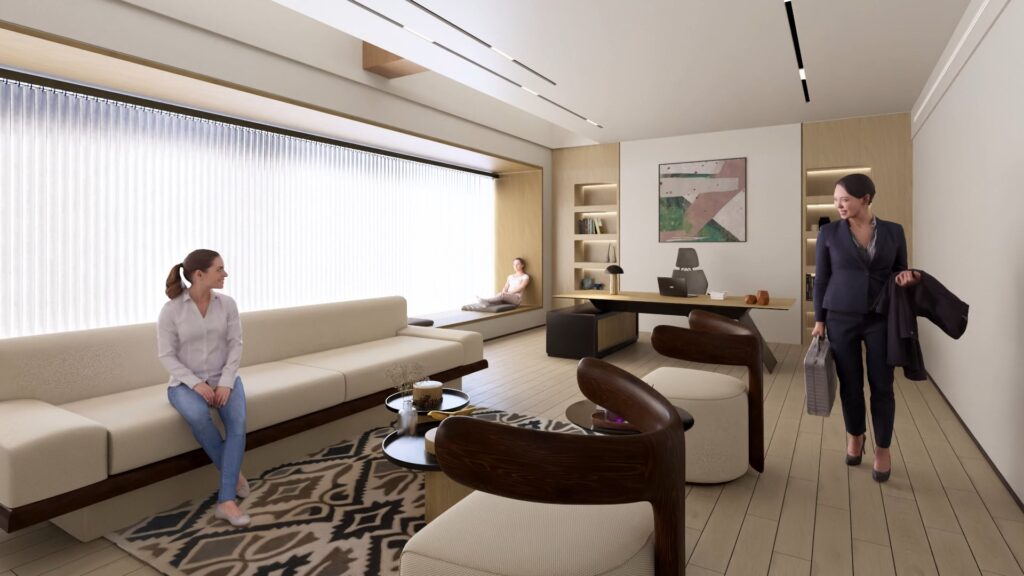
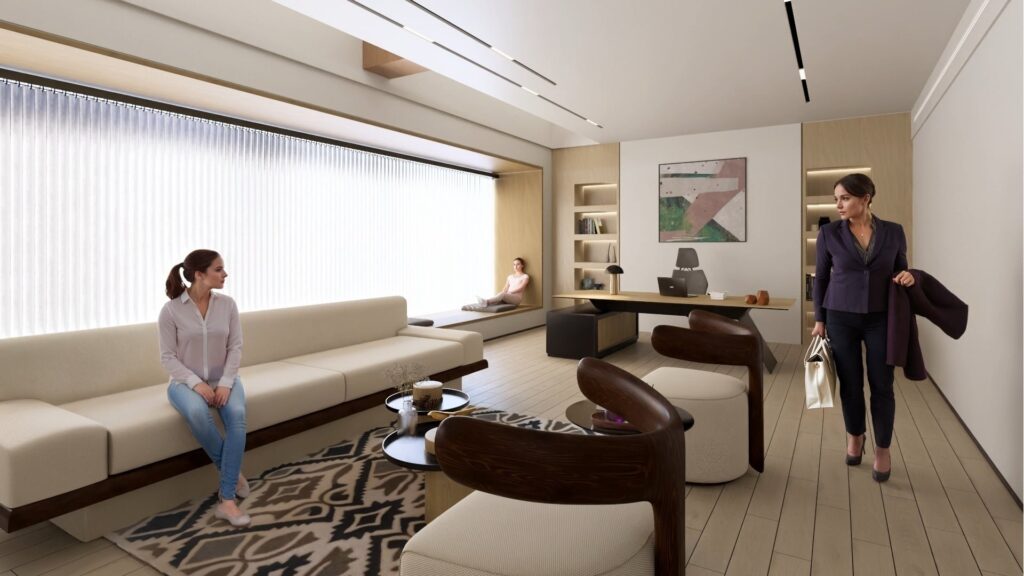
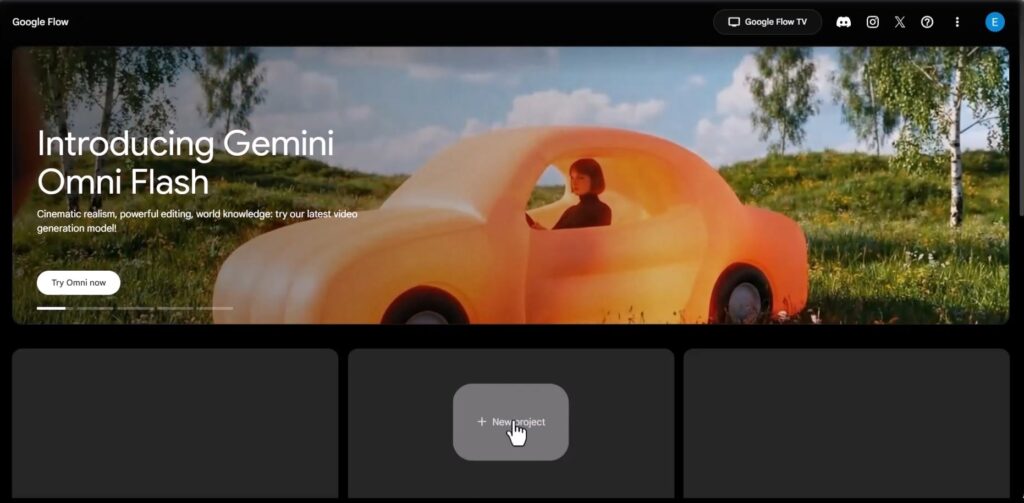
Once the render is complete, it can be transformed into a short animated sequence using AI video generation tools such as Google Flow.
The process is simple:
For the office example, the prompt describes the manager leaving for the weekend while exchanging a brief farewell with her colleagues.
Because the story has already been established through the placement of the characters, the generated animation feels natural and believable.
Architectural animation is about more than camera movement and realistic rendering. The most memorable presentations are those that show life inside the spaces they depict. By asking three simple questions, creating a short narrative, placing characters with intention, enhancing them using AI, and generating subtle interactions, you can produce animations that communicate both the design and the experience of inhabiting it. A simple story can be the difference between an architectural animation that merely looks beautiful and one that truly connects with the viewer.